FuneralPress Complete User Guide — All Features Explained
By FuneralPress Editorial Team · 3 min read · Editorially reviewed 09/10/2026
The quick answer
Start with Family Collection for matching funeral materials, or open an individual editor. Drafts are free to edit. Save a family project to cloud to resume on another device, and use a paid credit to unlock a design download.
Start with a collection or one design
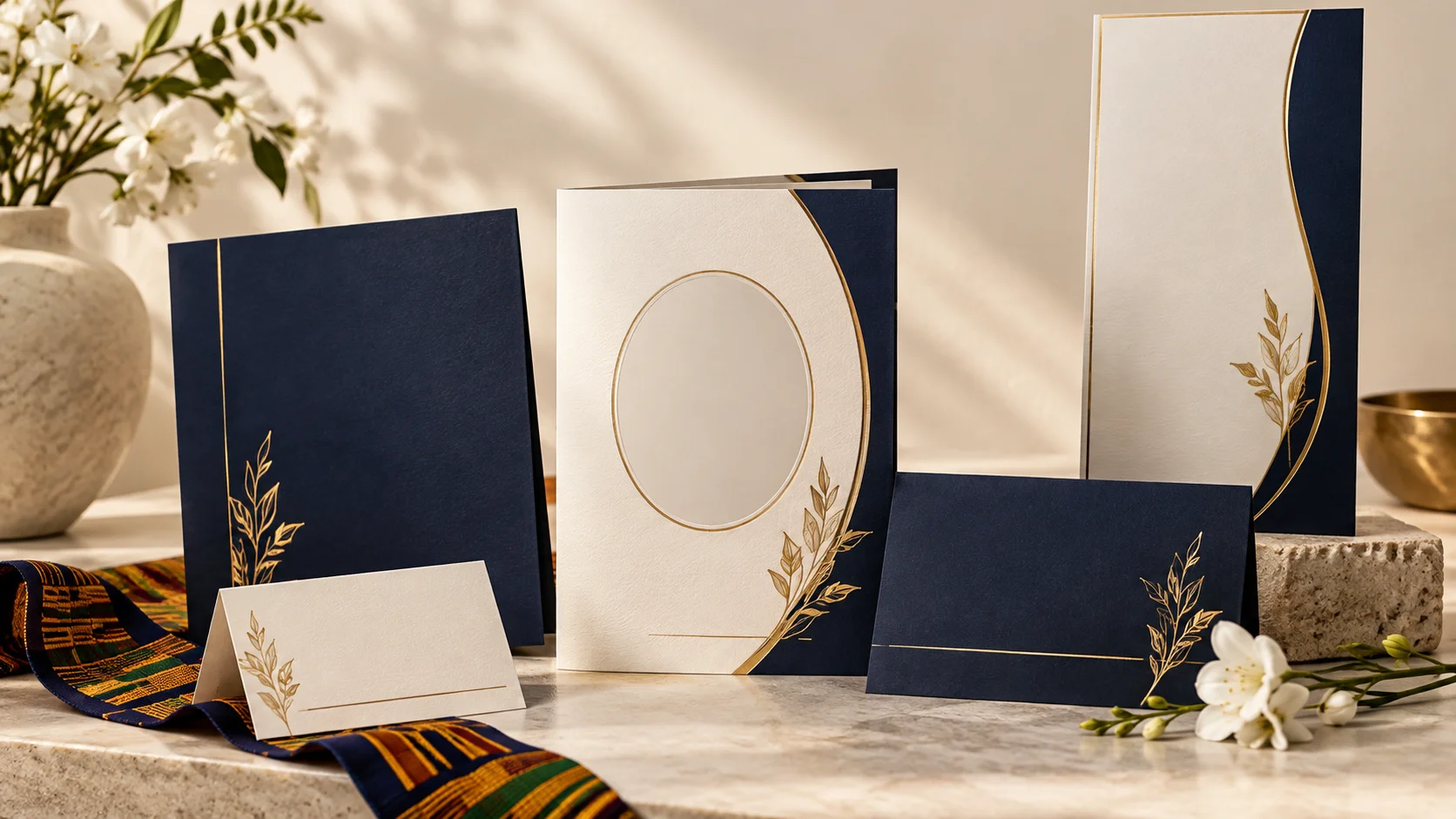
Family Collection creates matching drafts from one family brief and portrait. Choose a style, enter approved details and review the collection before creating the drafts. Open each linked editor to finish its own content. You can also start an individual brochure, poster, invitation, booklet, banner, thank-you card or one-week notice.
Prepare the content with relatives
Agree the portrait, public name, dates and event details before drafting. The shared portrait controls help crop, rotate and adjust the image; they do not recover detail missing from the original photo. A family tribute collection link lets relatives submit contributions without the owner sharing their sign-in. Review and approve each contribution before adding it to the brochure.
Save deliberately
- Keep the local draft in the browser where you are editing.
- For cross-device work on a family project, sign in and use Save project to cloud.
- On the other device, sign in to the same account and open the saved project.
- Before replacing a local collection, check which version contains the newest edits.
- Keep a separate backup of important text and original photos.
Review proofs before downloading
Editors provide clean design previews for layout checks. Look at every page, including long tributes and image crops. A proof is not the final print file. Correct the content, then use the paid download flow for the finished design. Ask the printer to approve the actual file and required dimensions before a print run.
Current family design packages
The packages are GHS 35 for one design, GHS 95 for three and GHS 195 for eight. A credit unlocks one particular design, with repeat downloads of that unlocked design included. Choose PDF for printing or PNG/JPG for images. Multi-page image downloads may arrive as a ZIP. New family purchases do not offer unlimited designs; honoured legacy access remains separate.
Planning and digital memorial tools
Use the hymn library, venue directory, budget planner and anniversary tools to organise the family’s work. Verify venue information directly and obtain current supplier quotes. The Aseda tool prepares memorial labels; fabric printing is separate. Guest books, obituary pages and galleries use their own creator workflows and currently show a one-credit creation offer. Keep copies of important material rather than assuming permanent hosting.
Business users and support
Funeral homes and organisers can compare business subscriptions and institutional prepaid packs on the Business page. Monthly allowances, renewal rules and prepaid credit quantities differ from family packages. Check the live offer before purchasing. If an export fails after payment, record the payment reference and contact support through the site; avoid repeating a purchase merely to retry a download.
Read: Create Matching Funeral Designs in Ghana: A Family Guide
Read: Start a Funeral Design on Your Phone, Finish on Your Laptop
Common questions
Does sign-in automatically sync every draft?
No. Browser drafts and saved cloud family projects are different. Use Save project to cloud for the family collection you want to reopen elsewhere.
What does a design credit buy?
It unlocks one particular paid design. You can revise and download that unlocked design again. Separate memorial tools have their own creation offers.
References and scope
- FuneralPress: matching family designs
Product guidance checked against the released interface and source on 9 October 2026.